en-US
en-US 

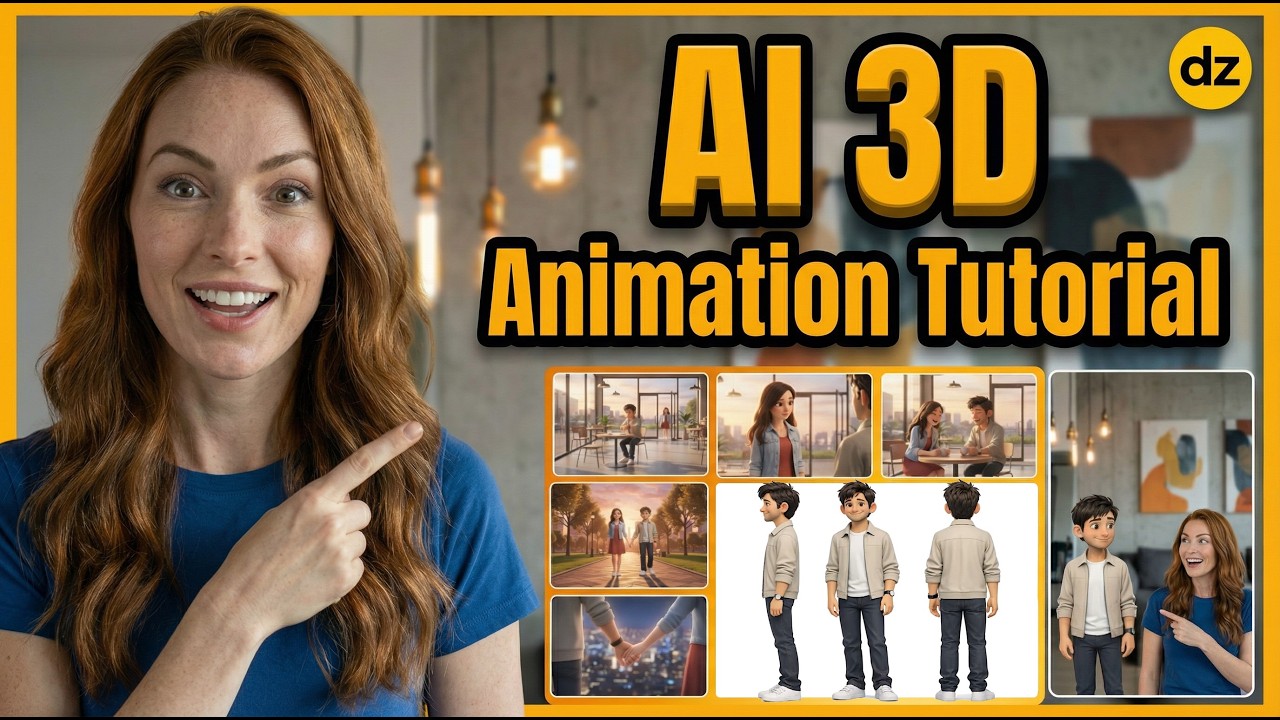
Creating professional 3D animations used to require months of learning complex software like Blender or Maya. However, the landscape has shifted dramatically with the arrival of advanced AI video models that can generate cinematic 3D content in seconds.
In this guide, we will explore a high-speed workflow using Dzine AI and the Veo 3.1 model to create viral-ready 3D character clips. This method is perfect for creators looking to dominate platforms like TikTok, YouTube Shorts, and Instagram Reels without a background in traditional animation.
The Fast-Track to Viral 3D Content
Why Combine Dzine AI and Veo 3.1?
The combination of Dzine AI's intuitive interface and the powerful Veo 3.1 model represents a massive leap in accessibility for creators. While traditional rendering takes hours, this AI-driven approach delivers results almost instantly.
- Hyper-realism: The Veo 3.1 model excels at capturing the depth and texture characteristic of high-end 3D films.
- Dynamic Motion: Unlike older AI models that produce static images, this workflow ensures fluid movement and consistent character physics.
- Efficiency: You can go from a text prompt to a finished video clip in under five minutes, allowing for high-volume content production.
Mastering the 2-Second Hook
In the world of short-form video, the first two seconds determine your success. When using AI 3D animation, you need to lead with visual impact to stop the scroll.
Focus on dramatic lighting and close-up "eye contact" moments for your characters. Small details, like the shimmer on a character's skin or a subtle blink, create an immediate sense of quality that keeps viewers watching until the end.
The Text-to-Video Workflow
The core of this process is the text-to-video engine within Dzine. To get the best results, your prompts should be descriptive yet concise, focusing on the character's appearance and the specific action desired.
- Define the Aesthetic: Start your prompt by specifying the style, such as "Pixar-style 3D animation" or "Cinematic Unreal Engine 5 render."
- Context Management: Briefly describe the environment to ensure the AI understands how light should bounce off the character’s surfaces.
- Motion Control: Use verbs that imply direction, such as "walking toward camera" or "slow rotating head," to guide the generative process.
Converting 2D Images to 3D Animations
If you already have a character mascot or a 2D logo, Dzine allows you to upload these images as a reference. The AI then "interprets" the 2D data into a 3D space.
This is a game-changer for branding. You can take a flat vector character and turn it into a living, breathing 3D personality that can interact with virtual environments, providing a sense of depth that was previously impossible without a dedicated 3D team.
Optimization for Mobile Platforms
When generating your clips, always keep the vertical aspect ratio (9:16) in mind. The AI handles the framing, but you must ensure your prompt focuses the action in the center "safe zone" of the screen.
- Resolution: Always export at the highest possible resolution to maintain the crispness of the 3D textures.
- Pacing: Aim for clips between 3 and 10 seconds. Short, punchy clips perform better with the current algorithms on social media.
- Sound Design: While the AI generates the visual, adding high-quality FOLEY (sound effects) afterward will triple the immersion of your 3D animation.
Conclusion
The barrier to entry for high-end 3D animation has officially vanished. By leveraging Dzine AI and the Veo 3.1 model, any creator can produce cinematic, viral-ready shorts that stand out in 2026's crowded digital landscape.
Whether you are building a faceless brand or enhancing your personal influencer channel, this fast workflow allows you to scale your content strategy without sacrificing quality. Start experimenting with these prompts and watch your engagement reach new heights.