en-US
en-US 

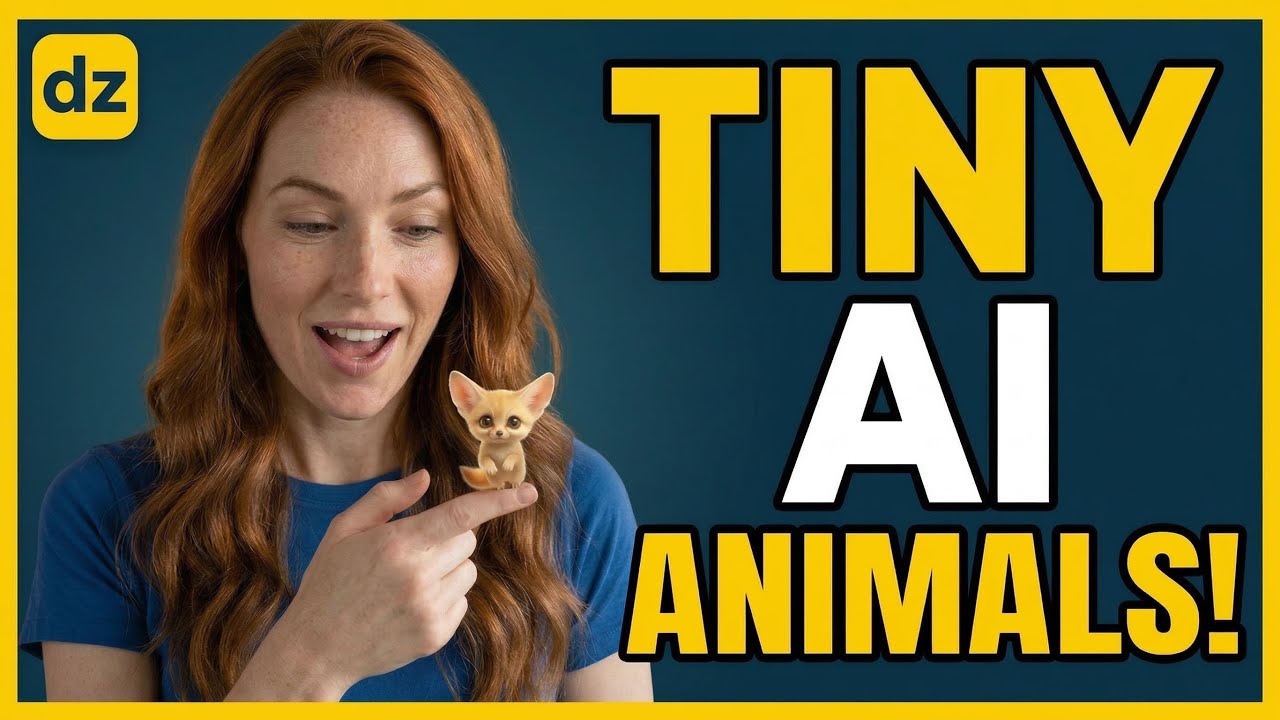
The "Tiny Animals on Fingers" trend is currently dominating platforms like YouTube Shorts, TikTok, and Instagram Reels. These short-form videos feature hyper-realistic, miniature baby animals perched on human fingertips, creating an instant emotional hook that drives massive engagement and shares.
Creating this content might look technically challenging, but with the right AI workflow, anyone can produce these viral clips in minutes. By leveraging the power of LLMs for brainstorming and advanced image-to-video generators, you can build a faceless channel that stands out in the crowded pet and cute animal niches.
Mastering the Viral Tiny Animal Workflow
Step 1: Generating Creative Concepts with ChatGPT
Success starts with the prompt. Instead of guessing which animals might look cute, use ChatGPT to generate a structured list of unique miniature animal ideas. You want a mix of domestic and exotic creatures to keep your feed diverse.
To get the best results from ChatGPT, use a prompt that specifies the following:
- Subject Variety: Ask for a list of 20 different baby animals ranging from mammals to mythical creatures.
- Visual Descriptors: Instruct the AI to include details like "soft fur texture," "big expressive eyes," and "realistic lighting."
- Contextual Setting: Ensure every prompt mentions the animal is "sitting on a human fingertip" to maintain the scale of the trend.
Step 2: Creating Hyper-Realistic Images
Once you have your list of prompts, the next step is high-quality image generation. The goal is to create an image so realistic that viewers question if the animal is real. This is where specialized AI design tools come into play.
When generating your images, focus on these key elements:
- Depth of Field: Use a shallow depth of field (blurry background) to make the tiny animal and the finger pop.
- Lighting: Aim for natural, soft cinematic lighting to enhance the "cute" factor.
- Macro Photography Style: Mention macro photography in your prompts to capture the fine details of fur, feathers, or scales.
Step 3: Turning Static Images into Video
Static images are great, but the trend truly comes alive with subtle motion. Using an image-to-video tool allows you to add life-like movements such as blinking, small head tilts, or twitching noses. This adds the "magic" that makes these videos go viral.
For the best animation results:
- Keep it Subtle: You don't want the animal flying around; small, micro-movements are more convincing.
- Focus on the Face: Ensure the AI concentrates the motion on the eyes and mouth.
- Looping: Try to create a seamless loop so the viewer watches the short multiple times, boosting your retention metrics.
Step 4: Editing for Short-Form Success
The final stage involves bringing your clips into a video editor to add music and effects. Since these videos rely purely on visual appeal, the choice of background music is vital. Trending "cozy" or "kawaii" lo-fi tracks usually perform best with this specific aesthetic.
Consider adding a subtle "shimmer" effect or color grading that enhances the warmth of the video. This final polish separates a hobbyist creator from a professional AI content creator.
Conclusion
The tiny animals on fingers trend is a perfect example of how AI can lower the barrier to entry for high-quality content creation. By following this ChatGPT and image-to-video workflow, you can consistently produce high-retention videos that have a high probability of going viral. Start experimenting with different animal species today and see which ones resonate most with your audience!