en-US
en-US 

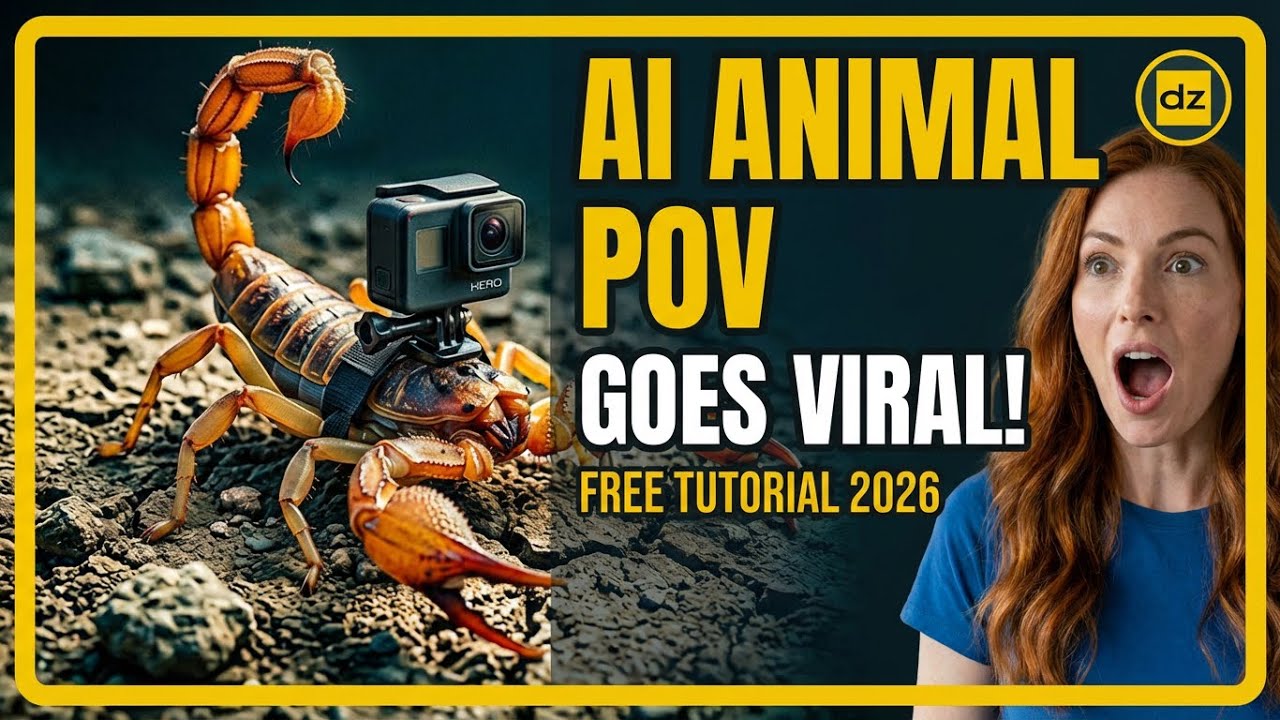
Have you ever scrolled through TikTok or YouTube Shorts and seen those incredible "micro-camera" videos from the point of view of a squirrel, a bird, or even a tiny insect? These videos often go viral, racking up millions of views and engagement. While they look like expensive National Geographic productions, the truth is much simpler: most of them are created entirely with artificial intelligence.
Creating this type of content is a massive opportunity for anyone interested in faceless YouTube channels or social media automation. In this guide, I’ll walk you through the professional workflow to create these hyper-realistic animal POV videos using free or low-cost AI tools that anyone can master.
The Step-by-Step Workflow for Animal POV Content
Step 1: Generating the Perfect Prompt
The foundation of a great AI video is a highly detailed prompt. You can't just ask for a "dog running"; you need to describe the camera lens, the lighting, and the specific movement. Use a tool like ChatGPT to act as your creative director.
- Camera Perspective: Ask the AI to include terms like "micro-camera POV," "bodycam footage," or "distorted wide-angle lens" to get that authentic GoPro look.
- Atmospheric Details: Mention specific environmental elements like "shivering grass," "dappled sunlight," or "particles of dust" to increase realism.
- Specific Action: Focus on dynamic movements such as "weaving through tree roots" or "diving into deep water."
Step 2: Creating the Master Image
Before you animate, you need a high-quality base image. Using tools like Grok AI or dedicated image generators, you can take your ChatGPT prompt and turn it into a visual. This image will set the style and color palette for your entire video.
Pay close attention to the aspect ratio. For YouTube Shorts, TikTok, and Reels, you should always generate your images in a 9:16 vertical ratio. If your tool doesn't support this natively, you may need to crop or outpaint the image later.
Step 3: Animating the Image into Video
This is where the magic happens. You’ll take your static image and feed it into an image-to-video AI generator. These tools analyze the scene and predict how the animal and the camera should move through the environment.
- Motion Control: Adjust the motion sliders to ensure the movement isn't too jittery or too slow.
- Consistency: Ensure the AI maintains the animal's features across the frames so it doesn't "morph" into something else.
- Seed Management: If you find a movement style you like, keep note of the seed number to replicate it in future clips.
Step 4: Extending the Clip and Upscaling
Most AI video generators only produce 3 to 5 seconds of footage at a time. To make a compelling Short, you’ll need to extend the video. Many platforms now offer an "Extend Video" feature that generates the next few seconds based on the end of your current clip.
Once you have a clip of sufficient length, you might notice the resolution is a bit soft. This is where upscaling becomes crucial. Using an AI upscaler will sharpen the textures, add detail to fur or feathers, and make the final product look like it was shot on a 4K professional camera.
Step 5: Final Editing and Niche Selection
To turn these clips into a viral success, you need to package them correctly. Add immersive sound effects—like claws scratching on wood or heavy breathing—rather than just trendy music. This enhances the "POV" illusion.
- Niche Ideas: Try the "Predator vs. Prey" niche, the "Urban Explorer" animal niche, or even "Micro-Insect Jungle" perspectives.
- Hook the Viewer: Use a text overlay in the first 2 seconds, such as "POV: You are a squirrel escaping a cat."
- Consistency is Key: Post at least once a day to feed the algorithm's hunger for high-retention vertical content.
Conclusion
The viral animal POV niche is proof that you don't need a massive budget or a film crew to create world-class content. By leveraging the power of ChatGPT for prompts and modern AI video tools for generation, you can build a massive following from your desktop. Start experimenting today, and you might just find yourself at the top of the "For You" page tomorrow.