en-US
en-US 

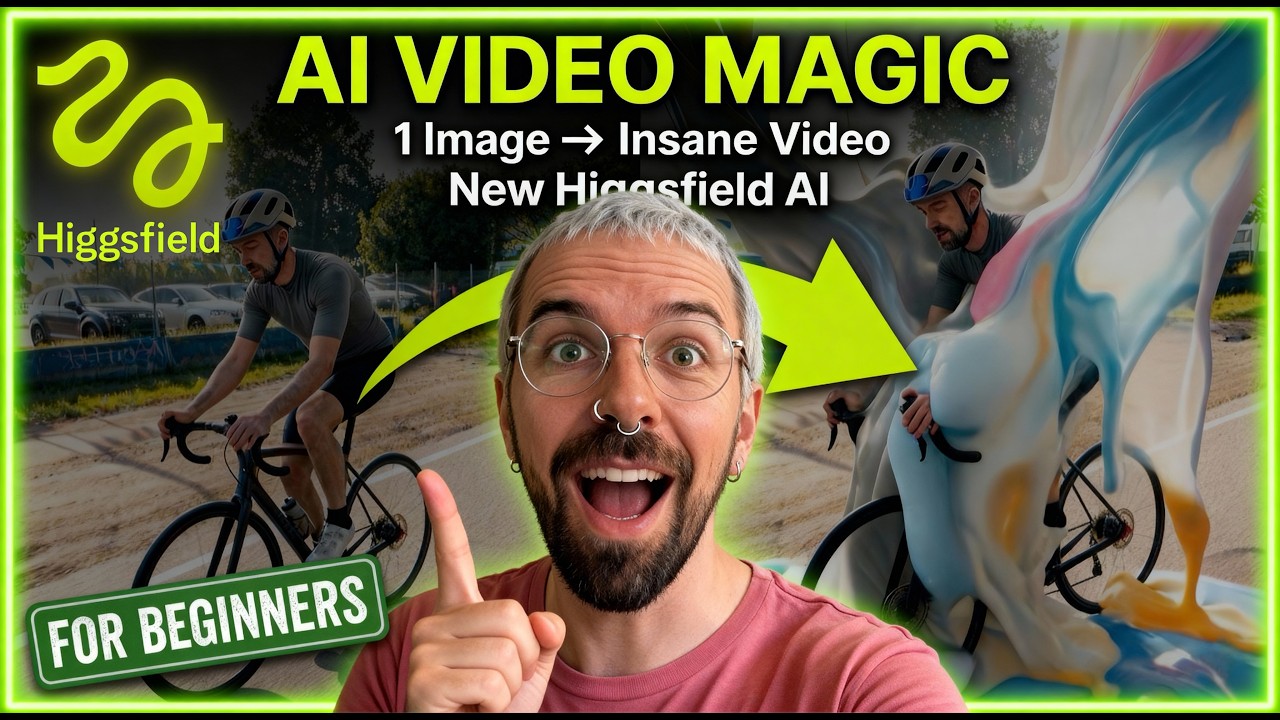
Artificial intelligence is rapidly reshaping the landscape of video production, and Higgsfield AI is emerging as a standout tool for creators looking to add cinematic flair to static images. Whether you are a social media manager or a professional VFX artist, the ability to breathe life into a portrait or landscape with a few clicks is a game-changer.
In this guide, we explore how to leverage Higgsfield's advanced motion controls and specialized effects library. From surreal melt transitions to sweeping camera movements, you will learn how to transform basic photos into high-quality video assets that look like they were shot by a professional film crew.
Mastering the Higgsfield Interface
The Power of the Effects Library
The core of Higgsfield's appeal lies in its pre-built effects library. Unlike other AI generators that rely solely on textual prompts, Higgsfield provides visual presets that ensure predictable and high-quality results.
- Melt Transition: A surreal effect that causes your subject to liquify or dissolve into the background.
- Particle Disintegration: Perfect for sci-fi or fantasy themes where characters turn into dust.
- Infinite Zoom: Creates a hypnotic loop that draws the viewer deeper into the image.
Creating Your First Cinematic Clip
Starting a project is straightforward. Once you upload your source image, the platform allows you to select a specific motion style. You can choose to let the AI interpret the scene or guide it with specific parameters.
For example, animating a portrait requires focus on facial features to maintain consistency. Higgsfield handles these details by balancing realistic movement with the artistic style of your original image.
Deep Dive into Advanced Settings
To get the best results, you need to understand the technical "levers" available in the advanced menu. These settings dictate how much creative liberty the AI takes during the generation process.
- Motion Intensity: Determines how dramatic the movement is, from a subtle breeze to a high-speed chase.
- Prompt Adherence: Controls how strictly the AI follows your written instructions versus the visual data in the image.
- Seed Management: Allows you to re-run the same settings with slight variations to find the perfect take.
Adding Cinematic Camera Movements
One of the most impressive features is the manual camera control. You can simulate expensive camera rigs without ever picking up a piece of equipment. This is essential for creating "cinematic" vibes rather than just "moving pictures."
- Aerial Pullback: Simulates a drone flying away from the subject, adding a sense of scale and epic proportion.
- Pan and Tilt: Used to reveal different parts of the background, making the environment feel massive and immersive.
- Trucking Shots: Moves the camera parallel to the subject, great for following characters through a scene.
Combining Effects for Unique Visuals
The real magic happens when you layer different techniques. By combining a "Melt Transition" with an "Aerial Pullback," you create a complex shot that would typically require hours of manual work in traditional CGI software.
This layering leads to unique storytelling possibilities. You can start with a calm scene and use Higgsfield to transition it into something surreal or high-energy, perfect for music videos or experimental advertisements.
Conclusion
Higgsfield AI stands out as a versatile and user-friendly platform for anyone interested in AI video generation. Its combination of specific effect presets and granular camera controls provides a level of creative direction that is often missing in other tools.
As you experiment with these features, remember that the quality of your input image and the precision of your camera settings are key. With practice, you can turn any static concept into a professional-grade cinematic sequence.