en-US
en-US 

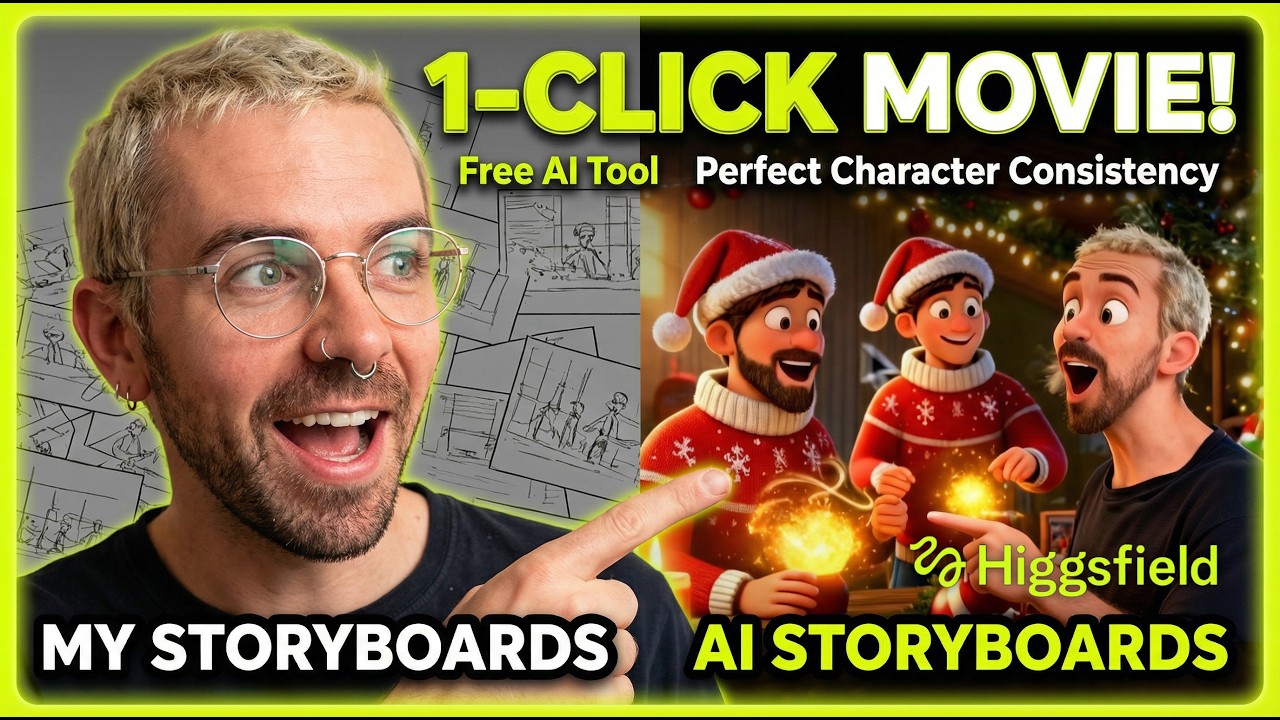
Creating professional-grade AI video stories has long been a challenge for creators, primarily due to the difficulty of maintaining character consistency. We have all seen AI videos where the protagonist’s face changes from shot to shot, breaking the immersion of the story. However, a new tool called Higgsfield Popcorn is changing the landscape of AI filmmaking.
Higgsfield provides a comprehensive suite of tools designed specifically for creators who want to turn simple text prompts into cohesive, animated narratives. In this guide, we will explore how to leverage its powerful features to move from a single idea to a fully realized video storyboard with consistent characters.
Mastering Character Consistency with Higgsfield
What is Higgsfield Popcorn?
Higgsfield is an advanced AI video generation platform that prioritizes artistic control and storytelling. Unlike basic text-to-video tools that generate random clips, Popcorn is designed to help you build a visual world that feels intentional and connected.
The platform offers several key features that set it apart:
- Consistent Characters: This allows you to define a character's look and carry it through different scenes and actions.
- Face Swapping: A one-click tool that lets you swap any face onto a generated movement for ultimate control.
- Storyboard Creation: The ability to organize multiple scenes into a logical flow before final rendering.
Generating Your First AI Scene
To begin, you start with the basic text-to-video function. By inputting a descriptive prompt, the AI generates several options based on your creative vision. The goal here is to establish the aesthetic style of your video, whether it is 3D animation, vintage film, or hyper-realistic photography.
When writing your first prompt, be specific about the lighting, the setting, and the camera angle. This initial scene serves as the foundational "seed" for the rest of your story boards.
Achieving Character Consistency
One of the most impressive features of Higgsfield is the ability to lock in a character’s identity. Once you have generated a character you like, you can set them as a reference. This ensures that in subsequent scenes—whether they are running, jumping, or sitting—the character remains recognizable.
To maximize consistency, follow these steps:
- Reference Selection: Choose a clear, front-facing generation of your character to act as the primary reference.
- Identity Locking: Use the character lock feature to apply those specific traits to new prompts.
- Varied Prompting: Keep your physical descriptions consistent in every prompt (e.g., "blonde hair, blue sweater") while only changing the action.
The Power of One-Click Face Swapping
If the AI generates a perfect movement but the character doesn't look quite right, the face swap feature is a lifesaver. You can upload an image of your intended character and instantly map their features onto any generated video clip.
This provides an unprecedented level of control for filmmakers. You no longer have to wait for the perfect "random" generation; you can stitch together the best motions and the best faces independently to create a seamless final product.
Building Your Video Storyboard
The final step in the process is organizing your individual clips into a storyboard. This is where you transform a collection of clips into a narrative. Higgsfield allows you to view your scenes in sequence, making it easy to spot any visual inconsistencies before you export the final animation.
Creating a storyboard involves these best practices:
- Flow and Pacing: Ensure that the transitions between scenes feel natural.
- Visual Theme: Check that the color grading and environment styles remain uniform across the board.
- Narrative Arch: Organize clips to show a clear beginning, middle, and end, such as the charming Christmas story demonstrated in the tutorial.
Conclusion
The future of AI storytelling lies in the ability to maintain creative control over characters and sequences. With Higgsfield Popcorn, the barriers to entry for professional-looking animation have never been lower. By mastering character consistency and utilizing the storyboard features, anyone can turn a simple idea into a high-quality animated short.