en-US
en-US 

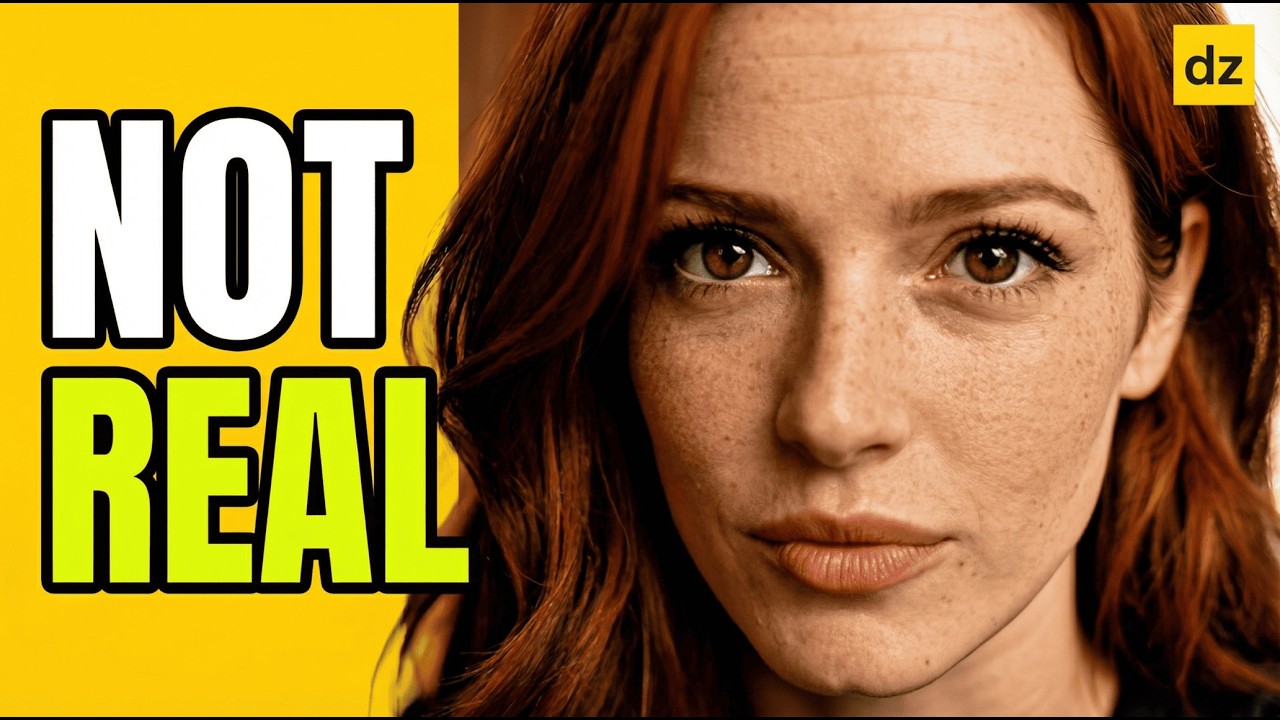
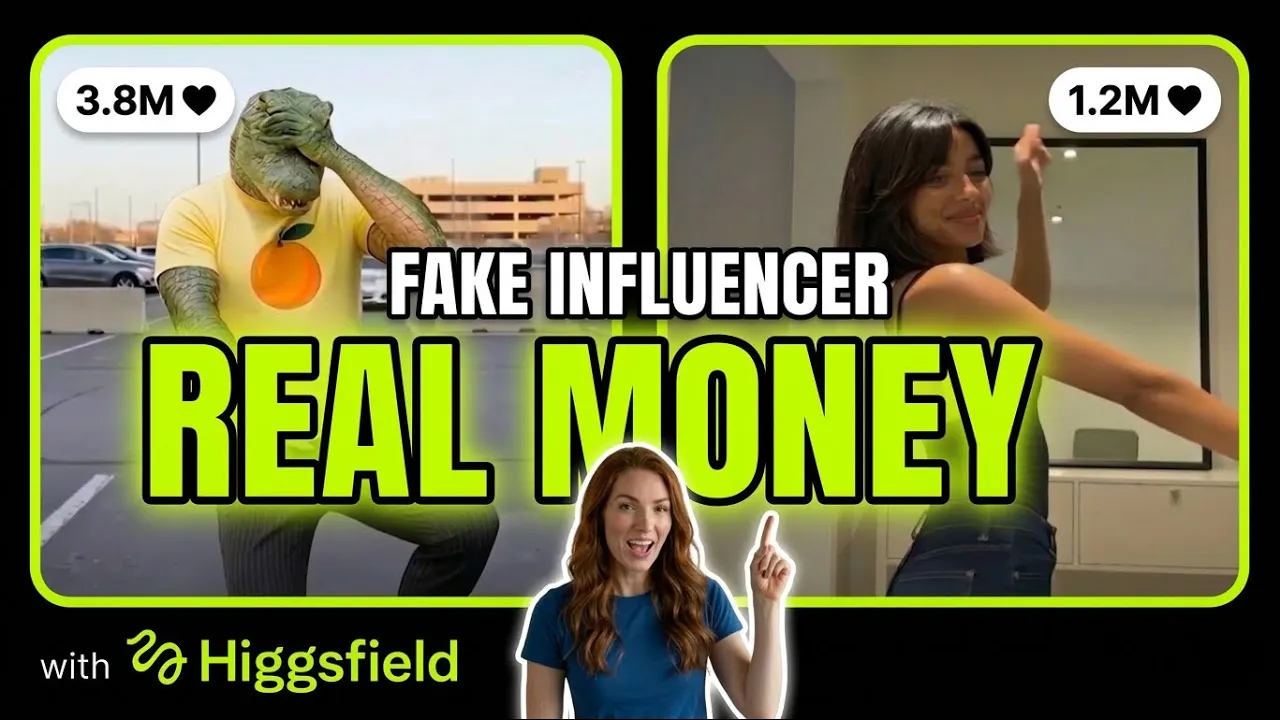
The rise of virtual influencers has changed the landscape of digital marketing and content creation. Today, you no longer need a camera or a studio to build a personal brand; you can design a high-quality, consistent AI clone from scratch that engages with audiences 24/7.
Creating a faceless AI influencer involves more than just generating a single image. It requires a strategic workflow to ensure the character remains identical across different scenes, poses, and videos. This guide breaks down the professional process of building your own digital persona using modern AI tools.
Building Your AI Influencer Persona
Step 1: Designing the Base Character
Your journey begins with a text-to-image prompt to define your character's physical traits, ethnicity, and style. The goal is to create a distinct look that will serve as the foundation for all future content.
- Detailed Prompting: Use specific descriptors for facial features, hair color, and clothing style to ensure uniqueness.
- High-Resolution Upscaling: Once you have a base image, use upscaling tools to increase the detail and quality before moving to the training phase.
- Variation Generation: Create the same character in different lighting and backgrounds to test their versatility.
Step 2: Training for Character Consistency
The biggest challenge in AI video is "character bleed" or inconsistency. To fix this, you must train a dedicated model (often referred to as a LoRA or a specialized style model) using several reference images of your character.
By providing the AI with multiple angles—front view, profile, and three-quarters view—you teach the system exactly what your influencer looks like. This allows you to place them in any environment, from a coffee shop to a futuristic city, while keeping the face identical.
Step 3: Advanced Posing and Scene Composition
Once your model is trained, you can start generating specific scenes. To get the best results, use reference images for posing. This ensures your AI influencer isn't just standing still but is actively engaged in an activity.
- Reference Images: Upload a photo of a pose you like to guide the AI's structural generation.
- Environment Context: Describe the background in detail to match the "vibe" of your influencer's brand.
- Quality Control: Review small details like hands and eyes to ensure the generated image looks professional.
Step 4: Animating with Image-to-Video
Static images are great for Instagram, but video is king on TikTok and YouTube Shorts. Using image-to-video tools, you can breathe life into your character by adding realistic movement and cinematic camera pans.
You can control the "motion strength" to decide if the movement should be subtle (like a gentle hair breeze) or dynamic (like walking toward the camera). This step transforms a digital drawing into a living persona.
Step 5: Voice Synthesis and Lip-Syncing
A faceless influencer needs a voice that matches their personality. After generating your script, use AI voice platforms to create a high-fidelity voiceover. The final technical hurdle is syncing the lips of your character to the audio.
- Emotional Tone: Choose a voice that aligns with your niche, whether it's upbeat for lifestyle or calm for educational content.
- Lip-Sync Accuracy: Use specialized tools to ensure the mouth movements match the phonemes of the speech perfectly.
- Final Assembly: Combine the video and audio in a video editor to add captions and background music.
Conclusion
Creating a faceless AI influencer is a powerful way to enter the content creator economy without the need for expensive gear or personal exposure. By following the workflow of character generation, model training, and professional animation, you can build a brand that is both scalable and unique.