en-US
en-US 

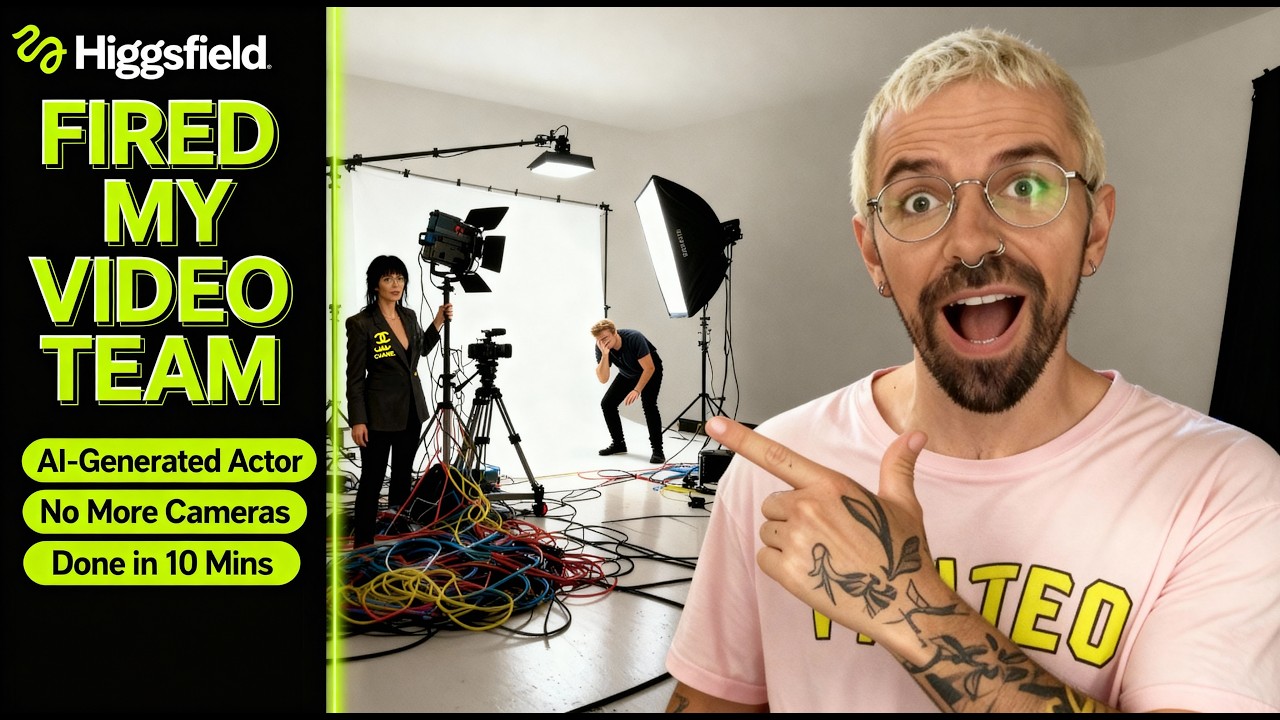
Creating professional product commercials used to require a massive budget, a full production crew, and expensive equipment. Today, the landscape of digital marketing is shifting toward AI-driven solutions that allow you to generate high-quality video content from a simple text prompt.
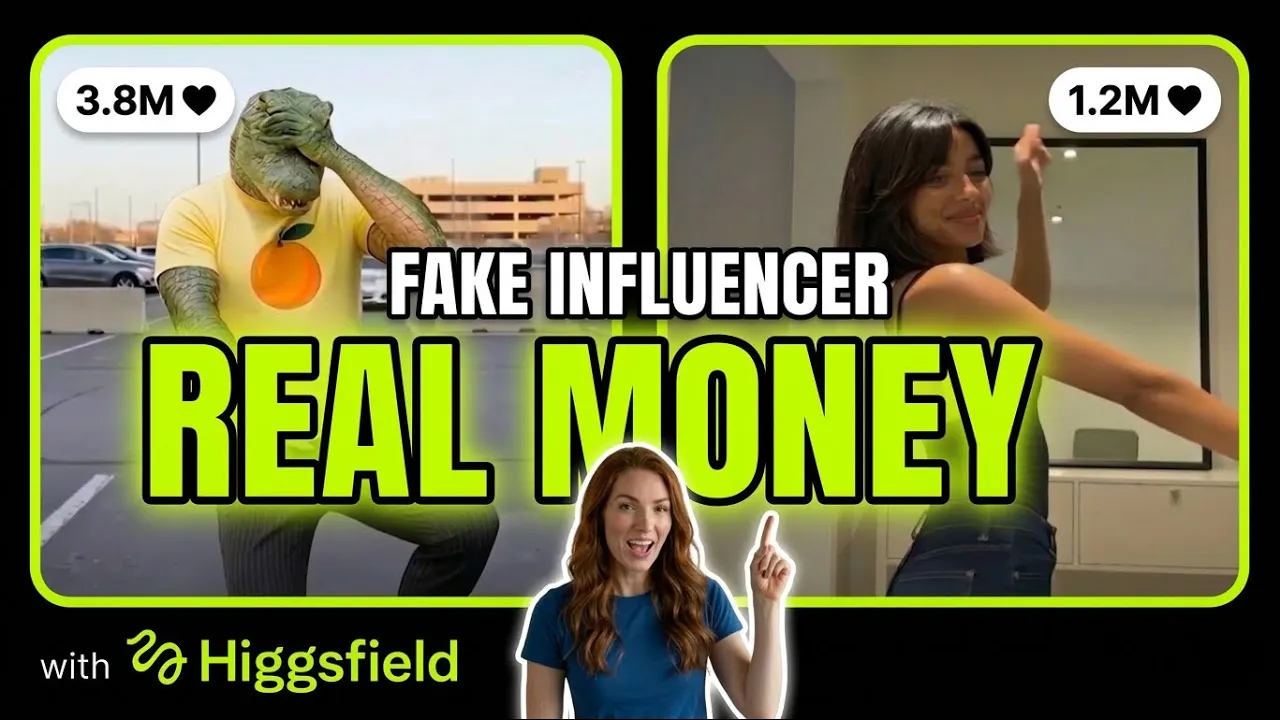
In this guide, we will explore the workflow for creating a custom AI product presenter. This virtual influencer can act as the face of your brand, delivering your message with perfect consistency and flair, all without you ever having to step in front of a camera.
Building Your Virtual Influencer Strategy
Designing the AI Avatar Appearance
The first step in creating a compelling product video is defining who will present it. Using modern AI video tools, you can describe exactly how you want your presenter to look, from their age and ethnicity to their clothing style and personality.
By using descriptive text prompts, you can ensure the avatar aligns perfectly with your brand identity. For example, a tech product might benefit from a sleek, modern professional avatar, while a health supplement might work best with a vibrant, energetic presenter.
Uploading Product and Brand Assets
To make the video truly yours, you need to integrate your specific product. This involves uploading high-quality images of your merchandise and your brand assets, such as logos and brand colors.
The AI uses these assets to ensure the background and the presenter's environment complement the product. Keeping these files organized ensures a seamless transition from the design phase to the final assembly of the commercial.
Generating a High-Converting Script
Writing a script can often be the most time-consuming part of video production. However, integrated AI tools can now generate scripts based on your product features and target audience.
- Targeting: You can specify the tone (e.g., professional, excited, or educational) to match your audience's expectations.
- Hooks: The AI can automatically suggest "hooks" to capture attention in the first three seconds of the video.
- Call to Action: Ensure your video ends with a clear instruction for the viewer to visit your site or make a purchase.
Refining the Video and Audio Quality
Configuring Voice and Audio Settings
A great visual needs a matching voice. You have access to a library of AI voices that sound indistinguishable from human speakers. You can adjust the pitch, speed, and emotion to fit the script's intent.
Beyond the voiceover, background music plays a crucial role in setting the mood. Choosing an upbeat track for a product launch or a calm, acoustic melody for a wellness product can significantly impact viewer engagement.
Editing Scenes and Media in the Editor
Once the initial video is generated, the built-in editor allows you to fine-tune the details. You can swap out stock footage, adjust the timing of transitions, and add text overlays to emphasize key selling points.
This stage is where you add the "final polish." It is important to review the synchronization between the AI avatar's lip movements and the audio track to ensure a professional and realistic result.
Key Features of AI Video Platforms
- Automation: Generate complete video drafts in minutes rather than days.
- Cost-Efficiency: eliminates the need for physical studios, actors, and expensive lighting setups.
- Scalability: Easily create dozens of variations for A/B testing on social media platforms.
Conclusion
The ability to create a custom AI product presenter is a game-changer for businesses of all sizes. By leveraging these advanced workflows, you can maintain a constant presence on social media with high-quality, professional video content that drives sales and builds brand loyalty. As AI technology continues to evolve, the barrier to entry for professional-grade marketing will only continue to lower.