en-US
en-US 

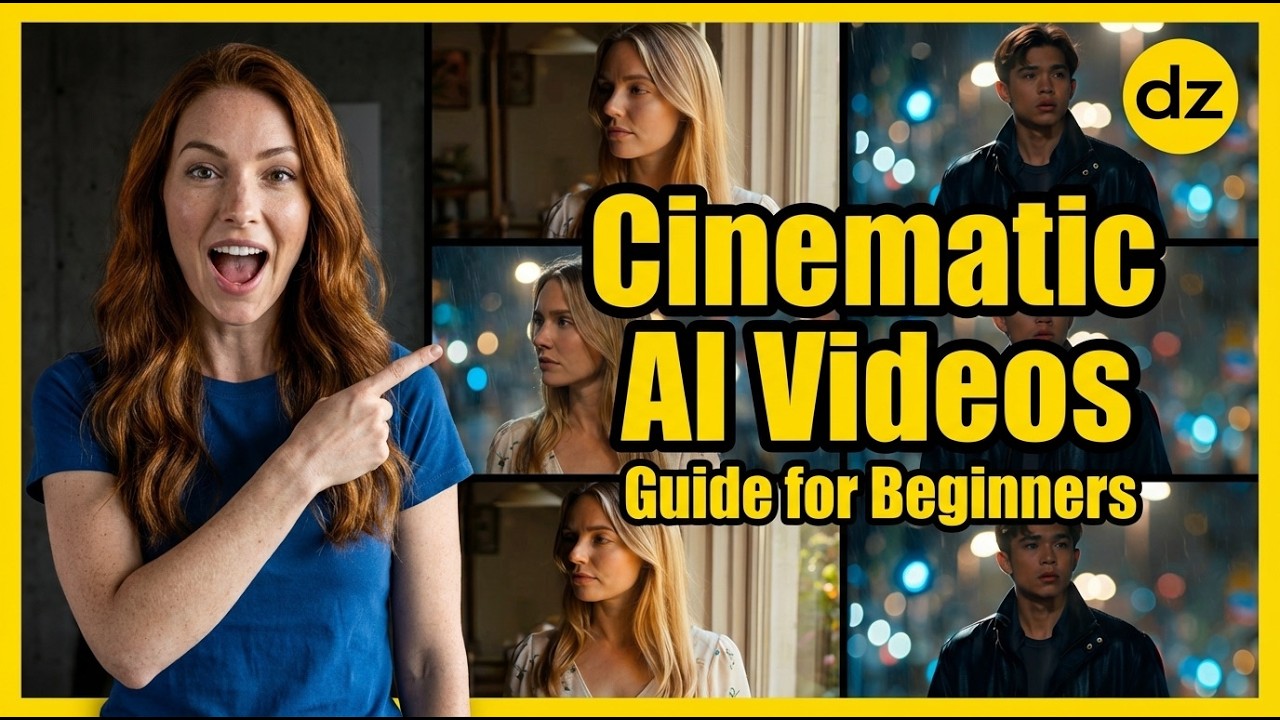
The landscape of AI video creation is moving incredibly fast. While many tools produce "good" results, achieving that elusive cinematic look—the kind you see in high-budget films—requires a more nuanced approach than just typing a few words into a prompt box.
Dzine.ai has emerged as a powerful contender in the AI video space, offering specialized controls that bridge the gap between AI generation and professional cinematography. In this guide, we will break down how to leverage its features to create high-quality, cinematic footage.
Getting Started with Dzine.ai
Before diving into complex prompts, you need to understand the basic workflow within the platform. Dzine.ai offers a streamlined interface that prioritizes visual quality and user control over the AI's output.
Setting Up Your First Project
To begin, navigate to the Video Generation or Text-to-Video section of the dashboard. This is where you will define the core characteristics of your shot.
- Resolution and Aspect Ratio: Always choose cinematic ratios such as 16:9 for a widescreen film look or 9:16 for high-quality social media content.
- Model Selection: Dzine.ai allows you to choose between different AI video models. Each model has a unique "DNA"—some focus on realism, while others are better for stylized animation.
- Duration: Start with shorter clips (3-4 seconds) to test your prompt before committing to longer generations.
The Anatomy of a Cinematic Prompt
A "cinematic" result isn't a happy accident; it’s the result of specific language choices. To get the best results, your prompt should include details about the environment, the lighting, and the camera movement.
For example, instead of "a city at night," try building a prompt like "Cinematic wide shot of a futuristic neon city, heavy rain falling, reflections on the pavement, 35mm lens, teal and orange color grading."
Advanced Techniques for Film-Quality Video
Once you have the basics down, you can start using advanced techniques to ensure your AI videos don't look like generic "AI art" but rather like professional b-roll.
Mastering Lighting and Mood
Lighting is the most important factor in cinematography. By specifying the lighting type in your prompt, you can dramatically change the emotional weight of your scene.
- Golden Hour: Best for warm, sentimental, or dramatic outdoor scenes with long shadows.
- Volumetric Lighting: Adds depth by making light beams visible (e.g., "god rays" shining through a window).
- High Contrast: Creates a film noir or gritty effect, perfect for suspenseful sequences.
Controlling Camera Movement
One common mistake in AI video is leaving the camera static. Professional films always have subtle movement to keep the eye engaged. You can influence this directly through prompt engineering.
- Dolly Zoom: Creates a sense of unease or realization by moving the camera while adjusting the lens.
- Pan/Tilt: Useful for revealing a landscape or following a character across a room.
- Handheld Motion: Adds a sense of realism and "found footage" urgency to the scene.
Avoiding Common AI Video Pitfalls
Even with great tools, there are traps that beginners often fall into. Consistency and "ghosting" (where characters morph into something else) are the most frequent issues.
To avoid these, keep your subject descriptions consistent. If you are generating multiple clips of the same character, use a specific "seed" or descriptor (e.g., "a man with a scar on his left cheek") to help the AI maintain continuity across different generations.
Maximizing Your Creative Workflow
Creating high-end video doesn't end with the AI generation. To truly finish a piece, you might need to combine it with other professional tools for editing and sound design.
Using a tool like Screen Studio can also be helpful if you are creating tutorials or showing off your AI workflow, as it automates high-quality screen recordings with beautiful zooms. For the video files themselves, consider upscaling them after generation to ensure they are crisp on 4K displays.
Conclusion
Dzine.ai provides the canvas and the brushes, but your cinematic vision is what ultimately makes the video. By mastering prompt engineering, understanding camera movements, and being intentional with your lighting choices, you can create AI-generated videos that look like they belong on a movie screen.
Experiment with different models and don't be afraid to iterate on your prompts multiple times to get that perfect shot. The power of cinematic AI video is now at your fingertips—so start creating!