en-US
en-US 

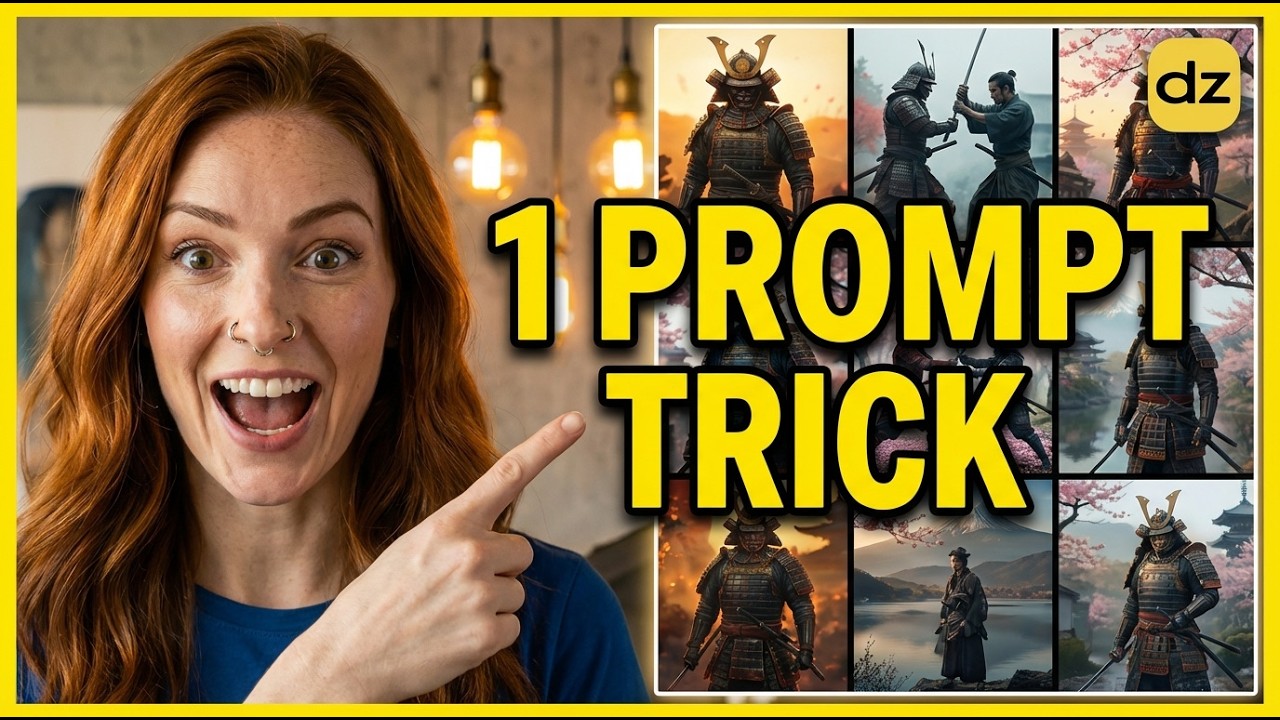
Achieving character consistency is often the biggest hurdle for AI creators and digital storytellers. While many tools require complex seeds or complicated reference settings, the "One Prompt Method" simplifies the entire process by generating a comprehensive character sheet first.
By using Dzine.ai, you can create a unified visual reference that ensures your character looks identical across different scenes, lighting conditions, and camera angles. This workflow moves away from trial and error and toward a structured, professional filmmaking approach.
Mastering the One Prompt Method
The 3x3 Grid Strategy
The secret to keeping your character consistent is generating a 3x3 character study grid. This grid acts as your visual "source of truth," containing nine different angles of the same character in a single image.
By including various views—such as front, profile, and three-quarters—you provide the AI with enough data to understand the character's geometry. This prevents the "morphing" effect often seen when generating images one by one.
Generating the Reference Grid in Dzine.ai
To start, you need to craft a precise prompt that describes your character's physical traits, clothing, and aesthetic style. Use the "Image-to-Image" or "Text-to-Image" features within Dzine to execute this strategy.
- Detailed Description: Specify skin tone, hair texture, eye color, and unique facial features to lock in the identity.
- Cinematic Lighting: Add keywords like "rembrandt lighting" or "cinematic shadows" to ensure a high-end film look.
- Character Sheet Keywords: Always include terms like "character sheet," "multiple views," or "expression sheet" to trigger the grid format.
Refining and Cropping for Consistency
Once your grid is generated, you may find that one specific angle perfectly captures the essence of your character. Dzine allows you to crop and isolate these specific frames to use as "Image References" for future generations.
By feeding these isolated crops back into the AI as a style or character reference, you ensure that every subsequent scene maintains the exact proportions and facial structure of the original concept.
Integrating ChatGPT for Storytelling
Visuals are only half the battle; you need a narrative to bring the character to life. You can use ChatGPT to expand your initial character concept into a full storyboard or script.
- Character Bio: Ask ChatGPT to create a detailed history and personality based on your visual prompt.
- Scene Generation: Describe your character to the LLM and ask for five distinct cinematic scenes with specific actions.
- Prompt Engineering: Use the AI's output to create consistent image prompts for each scene of your short film.
Animating Your Scenes
After generating high-quality still images of your character in different environments, the final step is adding motion. Using tools like Luma Dream Machine or Runway, you can animate your Dzine-generated images.
Because the base images are so consistent, the resulting videos feel like they belong to the same movie rather than a collection of random clips. This is the ultimate goal for any AI filmmaker looking to produce professional-grade content.
Conclusion
Creating consistent AI characters doesn't have to be a technical nightmare. By utilizing the 3x3 grid strategy and the powerful tools within Dzine.ai, you can build a reliable visual foundation for any story.
Start with a strong character sheet, refine your best angles, and then use those references to build out an entire cinematic universe. This workflow saves time and provides the creative control necessary for high-quality AI storytelling.