en-US
en-US 

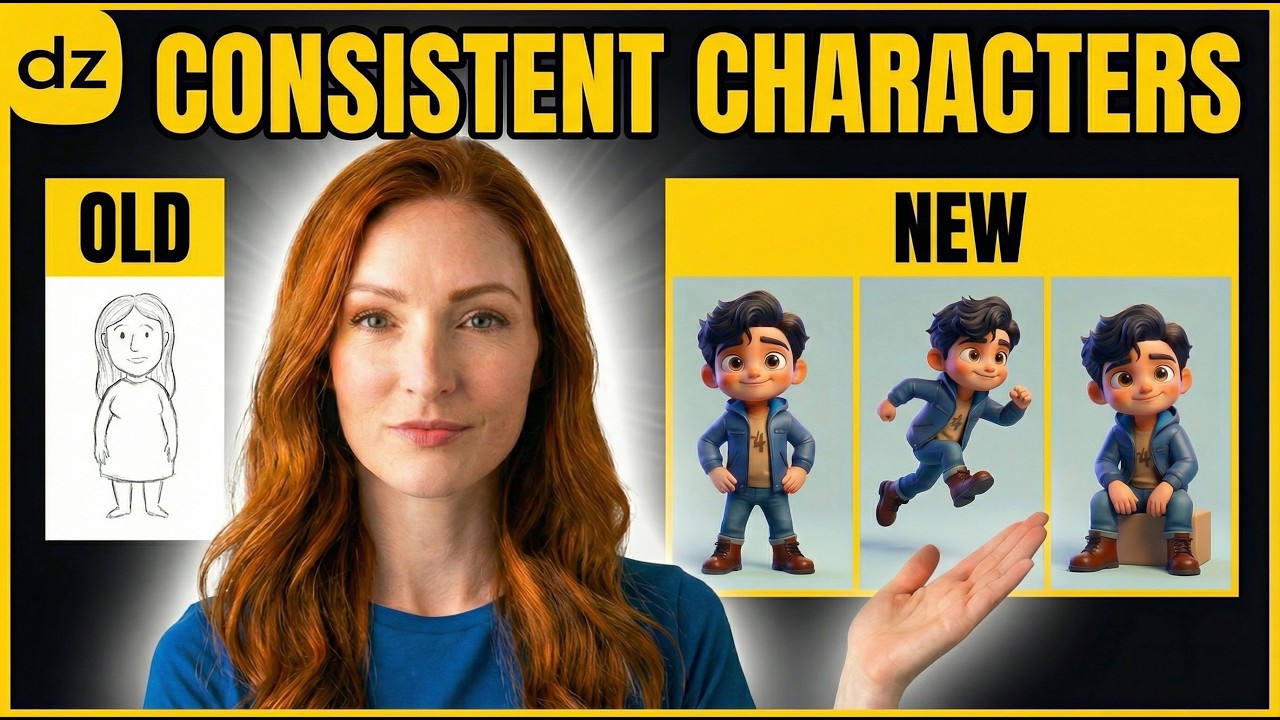
One of the biggest hurdles in AI art generation is character consistency. Whether you are creating a digital comic, a marketing campaign, or a visual story, having your character look like the same person across different scenes, outfits, and angles is crucial for professional results.
In the past, achieving this required complex workflows or lucky prompting. Today, tools like Dzine.ai have simplified the process significantly, allowing creators to "lock in" features and recreate them reliably. This guide will walk you through two effective methods to achieve perfect character consistency.
Mastering Character Consistency
Method 1: Building a Character from Text Prompts
If you don't have a starting image, you can create a character from scratch using a detailed text prompt. The key is to be as specific as possible about their unique facial features and style.
- Detailed Descriptions: Include specific traits like "almond-shaped green eyes," "a small scar on the left eyebrow," or "messy auburn hair" to help the AI remember the look.
- Style Selection: Choose a consistent art style (e.g., realistic, anime, or 3D render) before generating the character to ensure the baseline remains stable.
- Isolation: Once you generate a character you like, you can use the platform's internal tools to isolate the face and save it as a reference for future generations.
Method 2: Using Face Reference Images
This is arguably the most powerful way to maintain a look. By uploading a reference photo—whether of a real person or a previously generated AI character—you can map those features onto new prompts.
Using the "Consistent Character" panel, you can upload your reference and adjust the influence weight. This tells the AI how strictly it should follow the facial structure of the original image while allowing for changes in environment or lighting.
Adjusting Outfits and Backgrounds
The magic of character consistency lies in the ability to change everything except the face. Once your character is locked in, you can modify the text prompt to place them in new scenarios.
- Scenario Swapping: Change the background from a "busy city street" to a "quiet library" while the AI maintains the character's facial geometry.
- Wardrobe Changes: Update the character's clothing by adding keywords like "wearing a black leather jacket" or "in professional business attire" without losing their identity.
- Lighting Consistency: You can experiment with "cinematic lighting" or "golden hour" effects to see how your character responds to different environmental moods.
Controlling Poses and Camera Angles
To tell a dynamic story, your character needs to move. Maintaining consistency while changing the camera's perspective is the final piece of the puzzle.
You can guide the AI by using specific photography terminology. For instance, prompting for a "side profile," "wide shot," or "extreme close-up" allows you to view your character from different vantage points. Since the facial features are saved as a reference, the AI knows exactly how that specific person should look from the side or from above.
Managing and Retraining Your Assets
As you work on a project, you might want to refine your character's look. Modern AI platforms allow you to manage a library of characters.
- Character Selection: Access your saved characters directly from the sidebar to quickly swap between different cast members.
- Fine-tuning: If a generation isn't quite right, you can use the "retrain" or "refine" options to strengthen the AI's understanding of that character's specific facial markers.
- Bulk Generation: Use consistent settings to generate multiple scenes at once, saving time during the creative process.
Conclusion
Character consistency no longer requires hours of manual editing or complex coding. By utilizing text-to-image prompts combined with dedicated character reference tools, you can create a cast of characters that look identical across every frame of your project.
Whether you are building a brand mascot or a protagonist for a graphic novel, these techniques provide the control and reliability needed for high-level creative work.