en-US
en-US 

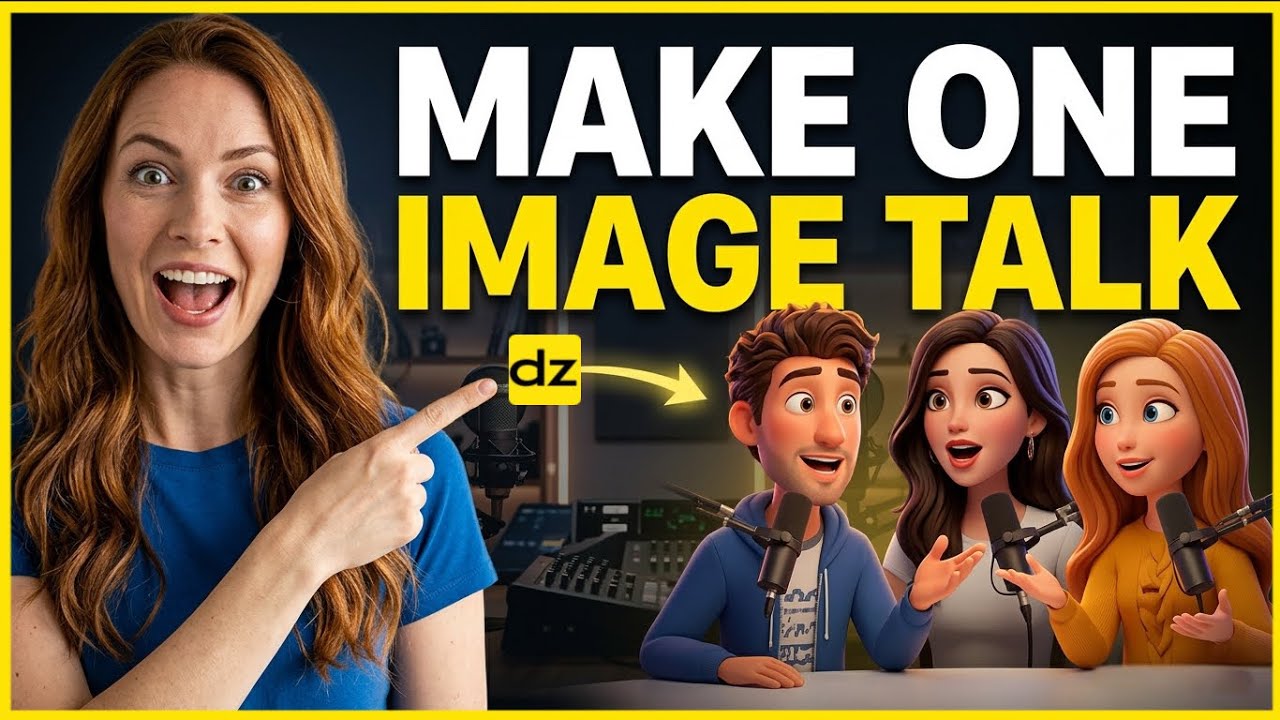
Have you ever looked at a static photo and wished the people in it could actually interact? Traditionally, animating multiple characters from a single image required advanced knowledge of 3D modeling, rigging, and complex video editing software. However, the landscape has changed significantly with recent advancements in generative AI.
In this guide, we are looking at how to transform a single static image into a dynamic video with multi-character lip-syncing. Whether you are a digital marketer, a content creator, or a storyteller, this workflow allows you to bring your photos to life with professional-grade dialogue and synchronization in just a few clicks.
How to Animate Multi-Character Images
Step 1: Image Selection and Face Detection
The process begins by choosing a high-quality image containing two or more distinct characters. Using AI platforms like Dzine, the first task is to let the software analyze the photograph. The AI automatically scans for facial features and isolates each individual character.
You don't need to manually mask the faces. Once the tool detects the faces, you can verify which ones you want to animate. This step is critical because it sets the foundation for individual lip movements that are tailored to each person's unique facial structure.
Step 2: Generating Character Voices
Now that the characters are identified, you need to give them something to say. You have two primary options here: uploading your own pre-recorded audio files or using built-in text-to-speech engines. To make the conversation feel natural, follow these tips:
- Voice Profiling: Assign a distinct voice style to each character to match their visual age and personality.
- Emotional Tone: Adjust the settings to ensure the delivery matches the context of the image, whether it's a casual chat or a formal presentation.
- Script Formatting: Keep the dialogue concise so the lip-syncing remains fluid and believable throughout the duration of the clip.
Step 3: Managing the Timeline and Dialogue
This is where the magic of "multi-character" interaction happens. To create a realistic conversation, you must organize the dialogue on a timeline. Instead of both characters speaking at once, you can layer their lines so they respond to one another.
By dragging and dropping audio clips on the timeline, you can create natural pauses and interruptions. The AI ensures that when Character A is speaking, Character B remains neutral or displays slight idle movements, and then switches focus when it's Character B's turn to talk.
Step 4: Avoiding Common AI Mistakes
While the AI does most of the heavy lifting, there are a few technical pitfalls you should watch out for to ensure the best output. High-quality input usually yields high-quality output, but even the best tools can struggle with certain image types.
- Blurry Faces: Avoid using low-resolution photos as the lip-syncing might look "mushy" or distorted around the mouth area.
- Extreme Angles: Characters facing forward or at a slight profile work best; side profiles (90 degrees) often lead to warping.
- Cluttered Backgrounds: Ensure there is enough space around the characters so the animation doesn't pull in parts of the background.
Best Use Cases for Multi-Character Animation
This technology isn't just a novelty; it has practical applications across various industries. Bringing static images to life can significantly increase engagement rates on social media platforms where video content is prioritized.
- Historical Education: Making historical figures in a single portrait talk to each other to explain a moment in history.
- Marketing & Ads: Creating testimonials or conversational ads from a single stock photo.
- Memes & Social Content: Quickly reacting to trends by making characters in popular images say humorous lines.
Conclusion
The ability to turn a single photo into a talking, multi-character video is a testament to how far AI has come. By following the steps of face detection, voice generation, and careful timeline management using tools like Dzine, you can create high-impact content without any professional animation experience.
The key to success lies in choosing the right image and timing the dialogue to feel human. As these tools continue to evolve, the barrier between a static photograph and a cinematic conversation will only continue to disappear.