en-US
en-US 

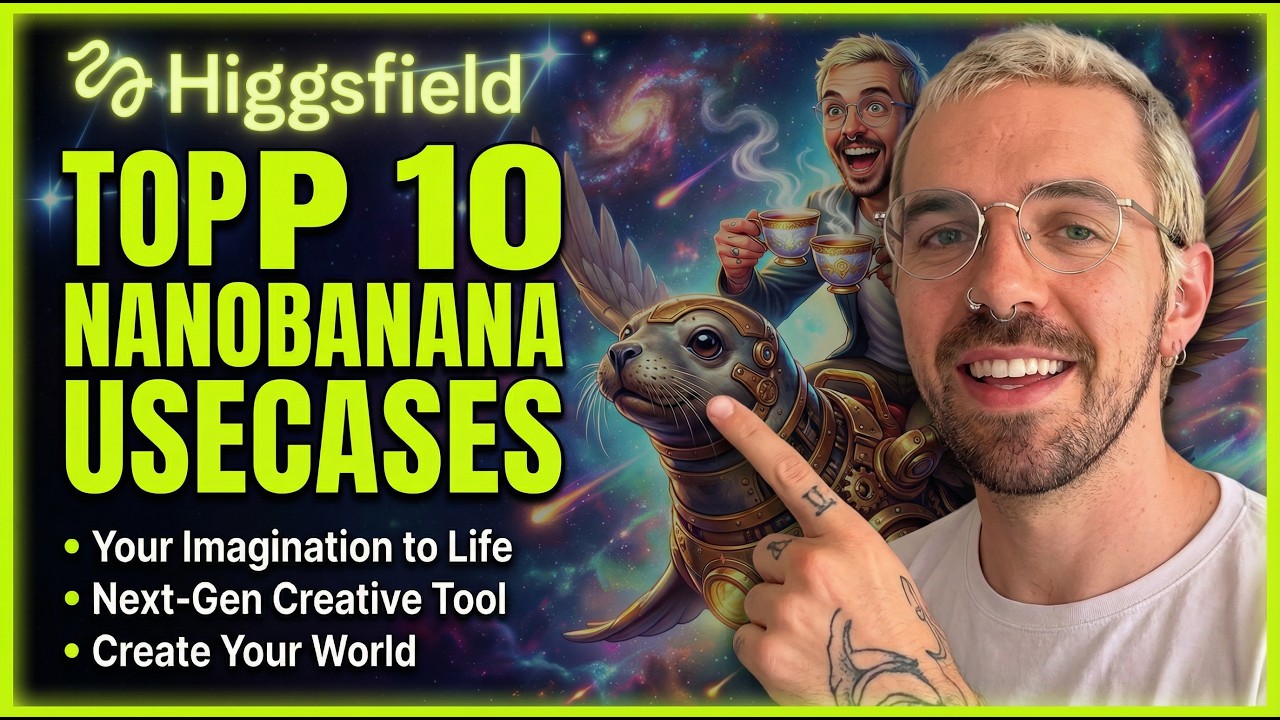
Generative AI is moving at a breakneck pace, and Higgsfield's Nano Banana Pro is the latest platform to push the boundaries of what creators can achieve. Whether you are a digital artist or a content creator, the ability to turn a simple idea into a cinematic experience is now more accessible than ever.
In this guide, we explore how to leverage the advanced features of Higgsfield to transform a basic prompt into a high-fidelity video masterpiece. We will walk through the iterative process of styling, modifying environments, and eventually animating your creations.
Advanced Creative Features of Higgsfield
The Power of Style Remediation
One of the most impressive tools within the Nano Banana Pro suite is the ability to instantly remix styles. You can start with a standard fantasy render and, with a few clicks, apply a completely different aesthetic.
- Steampunk Remix: Instantly adds brass gears, copper piping, and Victorian-era industrial aesthetics to your characters.
- Whimsical Detailing: Enhances the scene with magical dust, glowing embers, or intricate patterns without changing the core subject.
- Artistic Filters: Apply the brushwork of masters like Van Gogh or Monet to give your AI generation a museum-quality feel.
Environment and Concept Evolution
Higgsfield doesn't just generate images; it allows you to evolve them. If your initial character is a cat on a dragon, you can swap the environment from a mountain peak to a neon-lit cyberpunk city without losing the character's consistency.
By using the "Evolve" feature, you can take a successful element—like a steampunk seals—and generate epic variations. This ensures that your creative flow isn't interrupted by having to start from scratch every time you want a slight adjustment.
Precision Editing with In-Painting
For professional workflows, precision is key. Higgsfield’s in-painting capabilities allow you to create realistic mockups by targeting specific areas of an image for modification.
This is particularly useful when building complex scenes, such as a grand banquet. You can add characters one by one, ensuring each looks like they belong in the same lighting and perspective, resulting in a cohesive multi-character composition.
From Static Art to Cinematic Video
The Animation Workflow
The true magic happens when you move from a static image to a dynamic video. Higgsfield provides a seamless transition from its art generation tools to its video rendering engine.
- Image Selection: Choose your most detailed and high-resolution render from the previous steps.
- Motion Control: Define the intensity of the movement, ensuring that characters feel "alive" rather than just distorted.
- Final Rendering: The AI processes the depth and textures of your image to create a short, cinematic clip that maintains visual fidelity throughout.
Why Nano Banana Pro Stands Out
Unlike many generators that feel like a "black box," Nano Banana Pro offers granular control. You aren't just rolling the dice; you are directing the AI through a series of logical steps to reach a specific vision.
This "directorial" approach is what makes Higgsfield a serious tool for those looking to produce high-quality AI short films or social media content that stands out from the generic AI crowd.
Conclusion
Mastering the tools within Higgsfield allows you to bridge the gap between imagination and reality. By utilizing style remixes, in-painting, and the powerful video engine, you can create professional-grade content that was impossible just a year ago. Start experimenting with these features today to see how they can elevate your creative workflow.