en-US
en-US 

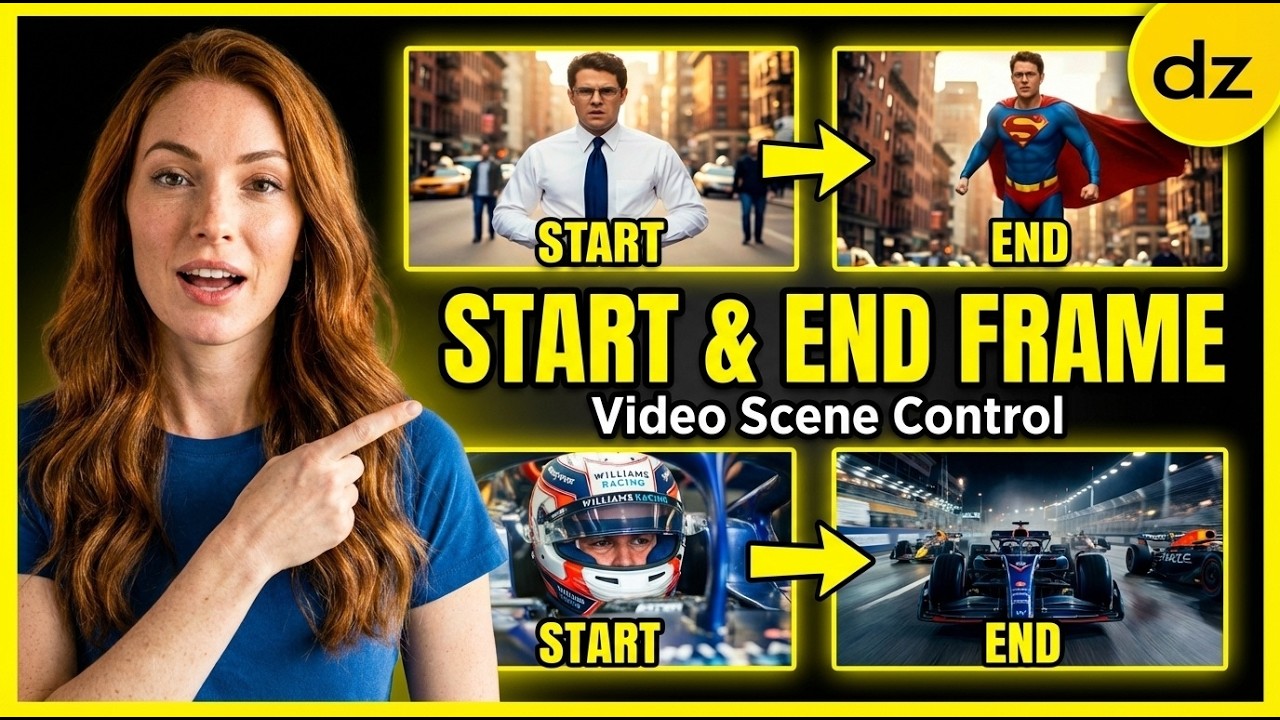
The landscape of AI filmmaking is shifting rapidly, moving away from unpredictable prompt-to-video generations toward a more deliberate, professional workflow. Today, the biggest challenge isn't just making a "cool" image; it's maintaining character consistency and controlling motion between specific points in time.
By combining the precise image generation of Nano Banana with the powerful interpolation capabilities of Kling 2.1 Pro, creators can now achieve hyper-realistic cinematic sequences. This workflow allows you to define exactly how a shot starts and ends, leaving the "hallucination" out of the equation.
The Nano Banana and Kling 2.1 Pro Workflow
Phase 1: Generating the Perfect Start Frame
The foundation of any high-quality cinematic shot is the initial composition. Using tools like Nano Banana, you can generate a high-fidelity image that serves as your starting point, ensuring the lighting, textures, and characters are exactly what you envisioned.
When creating your start frame, focus on highly descriptive prompts that define the environment and the subject's position. This image serves as the anchor for the entire video clip, so details matter.
- Detailed Prompting: Use specific camera lenses (e.g., 35mm, anamorphic) and lighting conditions to set the mood.
- Resolution Quality: Ensure the image is generated in a 16:9 aspect ratio to fit standard cinematic formats.
- Subject Clarity: Make sure the main character or object is clearly defined to help the AI track features during the motion phase.
Phase 2: Creating the End Frame for Continuity
This is where the magic of the Nano Banana Chat Editor comes in. Instead of generating a completely new image and hoping it looks like the first one, you use the editor to modify your start frame into an end frame.
By using the "Chat" feature, you can tell the AI to "rotate the camera 180 degrees" or "change the character's expression" while keeping the environment identical. This ensures that when the video transitions from A to B, the clothes, hair, and background don't randomly morph into something else.
Phase 3: Interpolating with Kling 2.1 Pro
Once you have your start and end frames, you move into Kling 2.1 Pro. Kling features a powerful "Start and End Frame" mode that calculates the most logical motion path between your two images.
This method offers significantly more control than traditional text-to-video. Here are the steps to execute this perfectly:
- Upload Frames: Place your Nano Banana start frame in the first slot and the modified end frame in the second slot.
- Refine the Prompt: Describe the action occurring between the frames, such as "a slow cinematic pan" or "the jet performs a barrel roll."
- Adjust Motion Sensitivity: Use the settings to determine how much the AI should deviate between the two points.
Advanced Example: The Superman Transformation
One of the most impressive uses of this workflow is the "Transformation Shot." In this scenario, you generate a start frame of a regular person and an end frame of that person wearing a superhero suit in the same pose.
Kling 2.1 Pro handles the complex job of morphing the textures and clothing while maintaining the person's facial features. This creates a seamless, professional-grade visual effect that would typically take hours of manual CGI work.
- Pose Consistency: Keep the character in relatively the same position to avoid messy limb transitions.
- Background Stability: By using the same background in both frames, the AI focuses its processing power on the transformation of the subject.
- Lighting Matching: Ensure the light source is consistent in both the start and end images for a realistic blend.
Conclusion
AI filmmaking is no longer about rolling the dice and hoping for a good result. By using Nano Banana to lock in your visuals and Kling 2.1 Pro to bridge the gap, you gain the director-level control needed for professional projects.
Whether you are creating a high-speed F1 racing sequence or a complex character transformation, this workflow provides the consistency and realism required for the future of digital storytelling.