en-US
en-US 

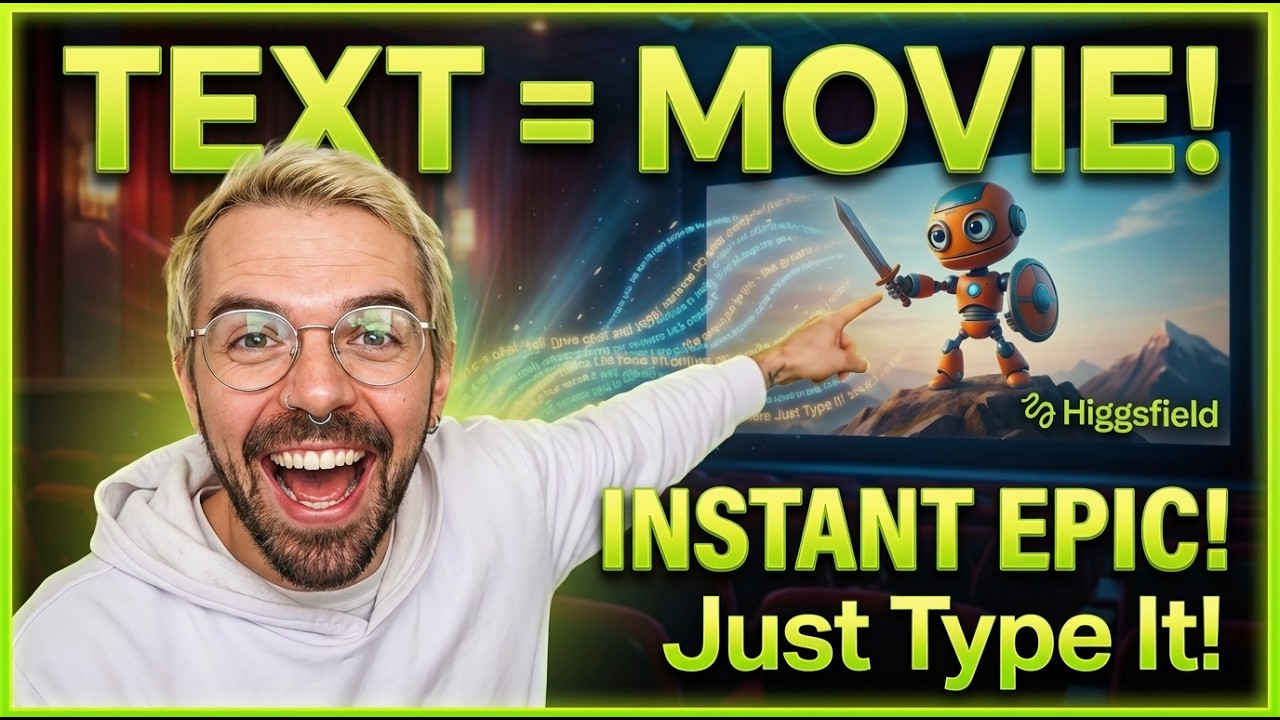
Creating professional-grade animations used to require a massive budget and a dedicated team of artists. However, the landscape of digital storytelling is shifting rapidly with the introduction of advanced generative AI. Higgsfield AI is a groundbreaking platform that allows creators to transform a simple text script into a fully realized, Pixar-style animated movie in just a few steps.
Whether you are a content creator looking to spice up your social media or a writer wanting to see your stories come to life, this tool bridges the gap between imagination and visual execution. Let's walk through the professional workflow for turning a script into a cinematic experience.
The Step-by-Step Workflow with Higgsfield AI
Step 1: Generating the Perfect Script
Success in AI filmmaking begins with a strong foundation. You can use platforms like ChatGPT or Claude to draft a detailed script that includes scene descriptions and character dialogue.
When writing your script, ensure you describe the atmosphere and the emotional tone of each scene. This helps the AI understand the visual weight it needs to apply to the character movements and lighting.
Step 2: Creating AI Characters and Art Styles
One of the most impressive features of Higgsfield is the ability to maintain character consistency across multiple shots. You can define your character’s appearance, clothing, and unique traits before you start animating.
- Visual Consistency: Upload a reference image or use text prompts to lock in your character's look.
- Art Direction: Choose from various styles such as Pixar-style 3D, classic 2D animation, or realistic cinematic rendering.
- Environment Design: Set the stage by describing the background elements that will remain constant throughout the scene.
Step 3: Building Your AI Storyboard
Before hitting the "generate" button, you need a plan. The storyboard feature allows you to map out your narrative flow frame by frame, giving you a bird's-eye view of your movie.
By organizing your shots chronologically, you can ensure the transitions make sense and the pacing of your story feels natural. This prevents the common AI issue of generating disjointed clips that don't fit together.
Step 4: Generating and Refining Animated Scenes
Once your characters and storyboard are set, it’s time to generate the motion. Higgsfield uses advanced text-to-video algorithms to interpret your prompts into fluid movement.
- Prompt Engineering: Use sensory words like "soft golden hour lighting" or "camera pans slowly" to guide the AI.
- Camera Controls: Utilize cinematic controls to adjust the depth of field and camera angles for a professional feel.
- Iterative Rendering: Generate a low-resolution preview first to check the movement before committing to a final high-quality render.
Step 5: Bringing the Full Story to Life
The final stage involves stitching your scenes together and adding the finishing touches. While Higgsfield handles the heavy lifting of animation, you can add voiceovers and sound effects to enhance the immersion.
Consider using AI voice tools to give your characters unique personalities that match their visual appearance. This synergy between sight and sound is what truly creates that "Pixar-style" movie magic.
Conclusion
Higgsfield AI represents a significant leap forward in AI-assisted filmmaking. By offering tools that focus on character consistency, cinematic camera control, and a structured storyboarding workflow, it empowers individual creators to produce high-quality animated content with ease.
As these tools continue to evolve, the barrier to entry for professional animation will continue to drop, making it an exciting time for digital storytellers everywhere.